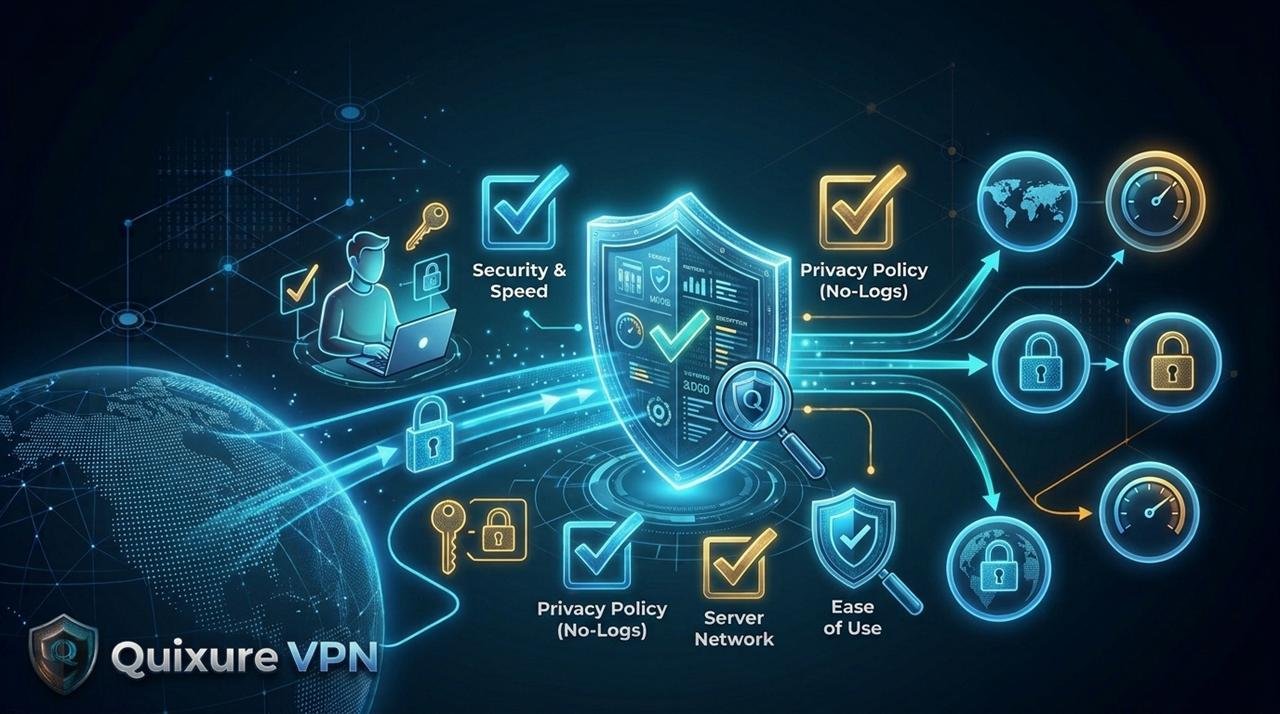
Every VPN's homepage says roughly the same three things: fast, secure, no-logs. That's not useful for telling them apart, because it's not meant to be — it's marketing copy, not a spec sheet. If you've read through our other guides on how a VPN works, encryption, kill switches, and DNS leak protection, you already know what the pieces are. This is the checklist for actually comparing them.
Why Choosing the Right VPN Matters
A VPN sits in the middle of your internet traffic by design — that's the whole point of it. Which also means a poorly built or dishonest one is in a position to see exactly what it claims to protect you from. The gap between a VPN that delivers on its claims and one that just says the same words isn't visible from the homepage; it shows up in specifics like which cipher is actually used, whether a kill switch really cuts your connection, and whether a "no-logs" claim is backed by anything beyond the sentence itself.
1. Check the VPN's Encryption and Protocol
Look for a named, specific encryption standard — AES-256-GCM or ChaCha20-Poly1305 — paired with a named, modern protocol like WireGuard or IKEv2, not just the phrase "military-grade encryption" with no further detail. If a provider won't name its cipher or protocol, that's a gap worth noticing. See our guides to AES-256 encryption and WireGuard for what these terms actually mean and why the specifics matter more than the adjectives around them.
2. Look for an Independently Audited Privacy Policy
"No-logs" is a claim anyone can write on a page. What separates a credible one from an empty one is independent verification — a third-party security firm reviewing the provider's actual server configuration and practices, not just its marketing copy. When a provider states its no-logs policy is independently audited, it's reasonable to expect that claim to be backed by a referenceable audit, and worth asking the provider directly for one if it isn't easy to find.
3. Check DNS Leak Protection
Encryption can be working correctly while a separate channel — DNS lookups — quietly reveals every site you visit to your ISP. This is a distinct feature from encryption itself, not something you can assume is automatically included. Our DNS leak protection guide covers exactly how this gap happens and what closes it.
4. Make Sure It Has a Reliable Kill Switch
A kill switch cuts your internet access the moment your VPN tunnel drops, instead of letting your device silently fall back to an unprotected connection. Check specifically whether it's a system-level kill switch (blocking your whole device) or an app-level one (only covering apps you've selected) — the distinction is covered in our kill switch guide, and it changes how much protection you're actually getting when the connection drops.
5. Compare Speed and Server Locations
Raw speed claims are hard to verify from a features page, but server count and distribution are a reasonable proxy: more locations generally means a closer, faster server wherever you are. High-bandwidth server infrastructure also matters more than location count alone for anything demanding, like streaming or gaming — a provider should be specific about both, not just one.
6. Check Apps and Device Compatibility
Confirm the VPN has a real, maintained app for every device you actually use — Windows, Mac, iOS, Android, Linux, and a browser extension if that matters to you — rather than official support for some platforms and a vague "works on most devices" for others. A provider's download or apps page should list this directly rather than requiring you to dig for it.
7. Review Simultaneous Connections and Pricing
Some providers charge per device or cap how many can connect at once, which turns a single subscription into a multi-device expense fast. Check whether the plan covers unlimited (or at least generous) simultaneous connections under one account, and look at pricing relative to what's actually included rather than the headline number alone — exact pricing is worth checking directly on the provider's own pricing page, since it tends to change.
8. Avoid These VPN Red Flags
- Vague security claims with no specifics — "military-grade encryption" with no named cipher or protocol.
- Free VPNs with no clear business model — servers cost money; if you're not paying with a subscription, the data has to be paying for it somehow.
- No kill switch, or one buried in settings — a feature that matters shouldn't be hard to find or confirm is active.
- Unverifiable no-logs claims — a policy with no independent audit behind it is a promise, not a verified fact.
- Per-device pricing with no unlimited option — a sign the business model is built around nickel-and-diming multi-device households.
9. How Quixure VPN Fits These Criteria
Rather than claim to be the best option on every point, here's what's actually verifiable about Quixure VPN against the checklist above: encryption runs on AES-256-GCM over the WireGuard protocol, paired with an automatic kill switch and DNS leak protection on every connection. Quixure states that it operates under an independently audited zero-log policy backed by RAM-only infrastructure. Server infrastructure runs on 10Gbps servers in 25+ countries, with native apps across Windows, Mac, iOS, Android, iPad, Linux, and a browser extension, and a single subscription covers unlimited simultaneous connections rather than charging per device. Current pricing is listed directly on the pricing page, since plans and rates change over time.
Compare the Specifics, Not Just the Adjectives
Quixure VPN runs on AES-256-GCM encryption over WireGuard, with a kill switch and DNS leak protection built in — check the details yourself before you subscribe to anything.
The honest version of "how to choose a VPN" isn't a ranked list — it's a checklist you run any provider's claims through yourself: named encryption, a real kill switch, DNS leak protection, verifiable audits, and pricing that doesn't punish you for owning more than one device. You can download Quixure VPN in under a minute, or compare plans first.