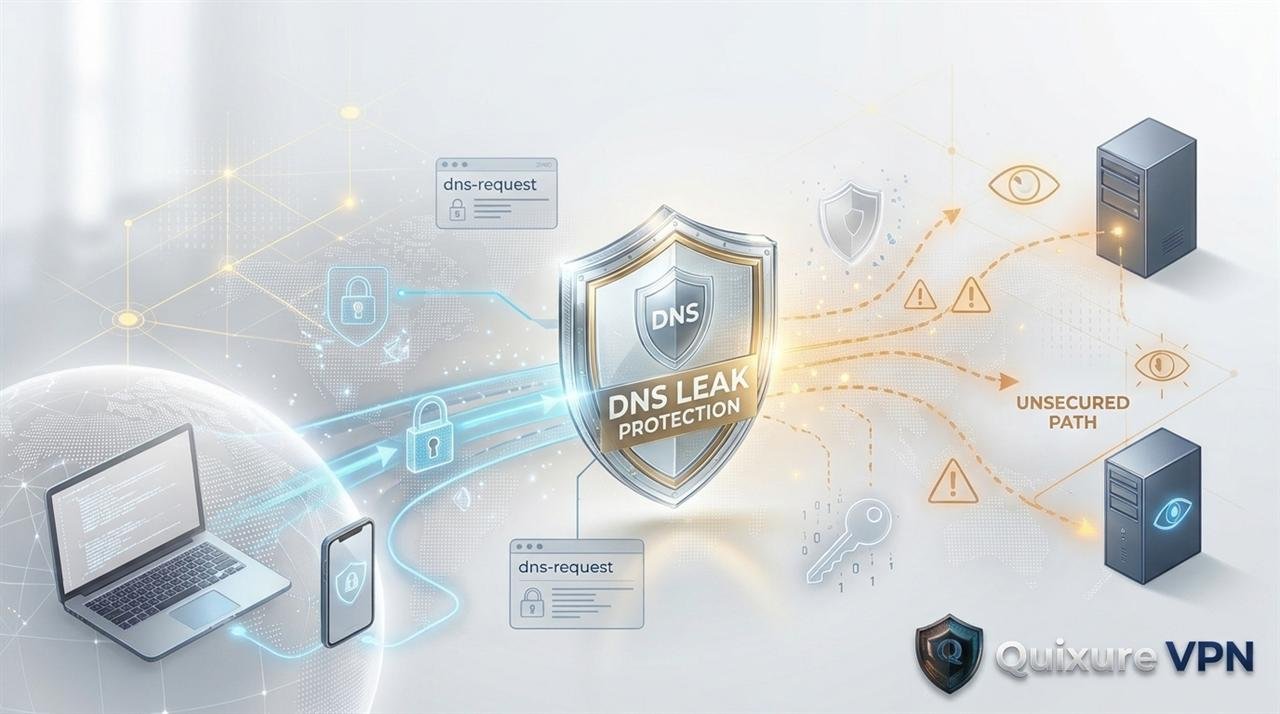
A VPN can be doing everything right — strong encryption, a stable tunnel, a working kill switch — and still leak one specific thing: which websites you're actually visiting. Not through the encrypted traffic itself, but through a background process almost nobody thinks about: DNS. DNS leak protection exists to close exactly that gap.
What Is DNS Leak Protection?
DNS leak protection is a VPN feature that keeps your DNS requests routed through the encrypted VPN tunnel, instead of letting them travel outside it to your ISP's DNS servers. Without it, a VPN can be encrypting your browsing traffic correctly while a separate channel — DNS — quietly reveals every domain you connect to. Quixure VPN includes DNS leak protection and an automatic kill switch designed to prevent your real IP address or unprotected traffic from being exposed when the VPN connection is interrupted.
How Does DNS Resolution Normally Work?
Every time you visit a website, your device doesn't connect to "example.com" directly — it first needs that name translated into a numeric address through a process called DNS resolution (Domain Name System). Normally, your device sends that lookup to a DNS server, usually operated by your ISP, which replies with the address to connect to. This happens constantly and invisibly, dozens of times per page load, for every image, script, and ad network a page references.
What Is a DNS Leak?
A DNS leak happens when those lookups bypass your VPN tunnel and go directly to your regular DNS servers — typically your ISP's — even while the rest of your traffic is correctly routed through the VPN. The practical effect: your IP address and the content of your traffic might be hidden, but your ISP (or anyone positioned to see those DNS requests) can still build a complete list of every domain you visited, which quietly defeats a large part of what you were using the VPN for in the first place.
Why Do DNS Leaks Happen (Even With a VPN On)?
DNS leaks aren't a sign that a VPN is broken in some dramatic way — they usually come down to how an operating system handles DNS by default. Some operating systems query multiple DNS servers simultaneously for speed or reliability (a feature sometimes called "smart multi-homed name resolution"), which can route a lookup outside the VPN tunnel even while it's active. A VPN without proper DNS leak protection simply doesn't override that default behavior, so the system's normal DNS habits continue running in parallel with the VPN.
How to Check If You Have a DNS Leak
The general method is straightforward: note your real ISP and location before connecting to a VPN, then connect and run a DNS leak test tool (widely available as a web-based check). If the DNS servers shown match your VPN provider or its server location, DNS requests are staying inside the tunnel. If they show your actual ISP instead, that's a leak — the lookups are escaping the tunnel even though you're connected.
How Does Quixure VPN Prevent DNS Leaks?
Quixure VPN routes DNS requests through the same encrypted tunnel as the rest of your traffic, rather than letting your device fall back to its default DNS servers. This is bundled into every connection alongside AES-256-GCM encryption over WireGuard (covered in our AES-256 encryption guide) and an automatic kill switch (see our kill switch guide) — it's part of the same bundled feature set across every platform, not a separate add-on you need to enable.
DNS Leak Protection vs Kill Switch — What's the Difference?
These two features get mentioned together constantly because they're complementary, not because they do the same job:
- DNS leak protection keeps DNS lookups inside the tunnel while the VPN is actively connected — it's about which path your lookups take during normal operation.
- A kill switch protects you during the moment the VPN tunnel drops entirely, by cutting internet access until it reconnects — covered in more depth in our dedicated kill switch guide.
One protects a specific channel (DNS) while you're connected; the other protects you during a disconnection. A VPN worth using needs both, not one or the other.
Does DNS Leak Protection Slow Down Your Connection?
No meaningfully — DNS lookups are tiny compared to the actual content of a web page, so routing them through the tunnel alongside everything else adds negligible overhead. Any perceived slowdown from a VPN overall comes from encryption and server distance, covered in our guide to how a VPN works, not from DNS leak protection specifically.
No Leaks. Just an Encrypted Connection.
Quixure VPN bundles DNS leak protection with AES-256-GCM encryption and an automatic kill switch — on every connection, on every platform, with nothing to configure.
Encryption gets most of the attention when people talk about VPNs, but DNS leak protection is what closes the gap encryption alone doesn't cover — the quiet background channel that can reveal exactly what a VPN is supposed to hide. You can download Quixure VPN in under a minute, or compare plans first.