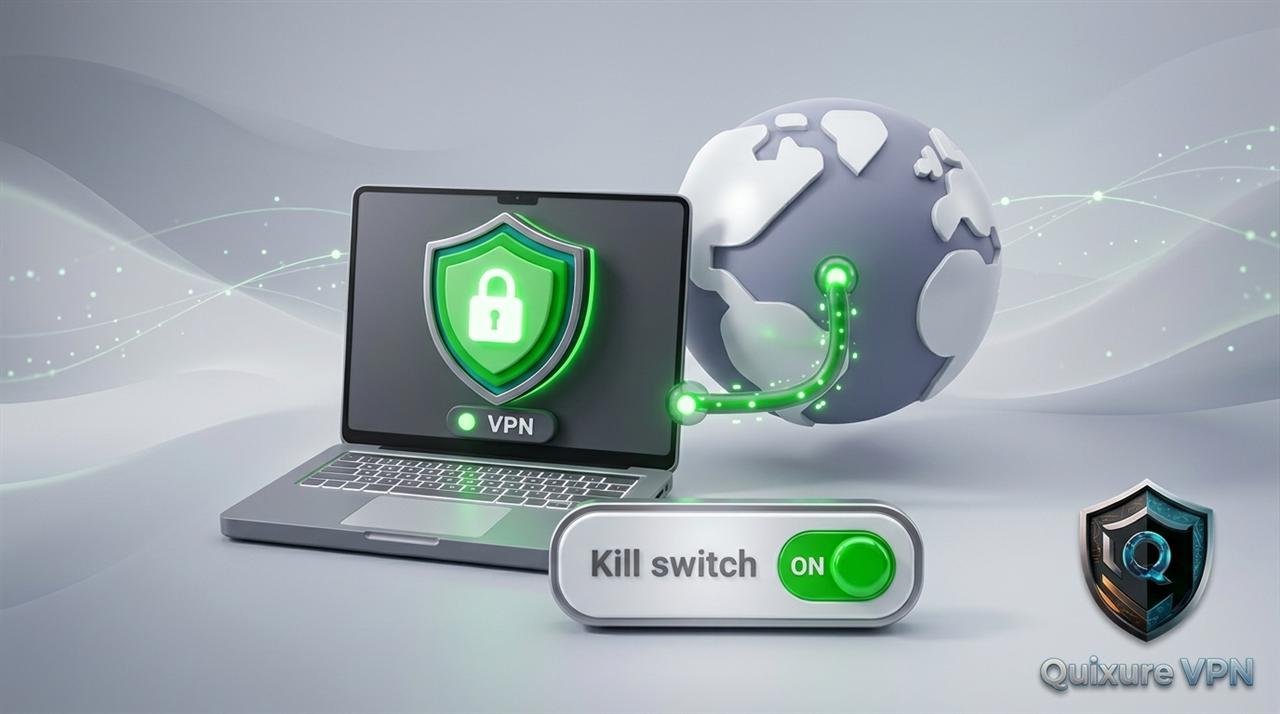
Every VPN connection can drop. A Wi-Fi hiccup, a server restart, your phone switching from Wi-Fi to mobile data — none of these are rare. What actually matters is what your device does in that moment: does it quietly fall back to your normal, unencrypted connection, or does something stop that from happening? That "something" is a kill switch, and it's one of the few VPN features where the absence of it, not the presence, is what quietly costs you.
What Is a VPN Kill Switch?
A VPN kill switch is a safeguard that cuts your device's internet access the instant your VPN connection drops, instead of letting your device silently reconnect to the internet unprotected. Without one, a dropped VPN tunnel is invisible — your apps keep working, your browser keeps loading pages, and nothing on screen tells you that your traffic is now going out directly, unencrypted, exposing your real IP address. On Quixure VPN, this is built in and automatic: the kill switch immediately severs your internet connection the moment the VPN tunnel drops, preventing any IP or data leaks until the secure connection is restored.
How Does a VPN Kill Switch Work?
Mechanically, a kill switch monitors whether your VPN tunnel is active. The moment it detects that the tunnel has dropped — rather than waiting for you to notice a loading spinner or a failed page — it blocks outbound internet traffic until the VPN reconnects. This isn't the same thing as the encryption itself (covered in our AES-256 encryption guide); encryption protects data while the tunnel is up, while a kill switch protects you specifically during the gap when it isn't.
What Happens When Your VPN Disconnects Without a Kill Switch?
Without a kill switch, a dropped VPN connection doesn't throw an error — it just quietly stops protecting you. Your device's operating system treats the VPN tunnel like any other network interface: if it disappears, normal traffic routing takes over without asking permission. Your ISP (or anyone on the network you're connected to) can suddenly see your real IP address and which sites you're connecting to, for however long it takes you to notice the VPN icon has gone from "connected" to "connecting." That's not the same as every site's content or your passwords being exposed — a site using HTTPS still protects its own page content regardless of your VPN status — but the specific things a VPN was hiding (your real IP, your ISP, and which domains you're reaching) become visible again the moment the tunnel drops. On a trusted home network, that gap is a minor inconvenience. On an open network, it can mean exposing exactly what you were using the VPN to protect in the first place — see our guide to public Wi-Fi safety for more on how HTTPS and a VPN cover different gaps.
Types of VPN Kill Switches
Not all kill switches work the same way, and the distinction matters:
- System-level (network-level) kill switch — blocks your device's internet connection across every app the moment the VPN drops, until the tunnel is back up, rather than relying on a list of apps you've flagged in advance.
- App-level kill switch — only blocks specific apps you've selected from accessing the internet without the VPN, leaving everything else (and anything you forgot to select) unprotected.
Quixure VPN's kill switch works at the system level — it's described as cutting your internet connection outright when the tunnel drops, not just blocking a chosen list of apps. That's a stronger guarantee: there's no "forgot to add an app to the list" gap to worry about.
Why Is a Kill Switch Important on Public Wi-Fi?
Public Wi-Fi is exactly where VPN connections are most likely to drop — weak signal strength, network congestion, or a router that disconnects idle devices after a few minutes are all common on shared networks. It's also, as covered in our public Wi-Fi guide, the exact environment where you most need your traffic to stay encrypted. A kill switch is what turns "the VPN usually protects me on this coffee shop Wi-Fi" into "the VPN protects me, full stop" — removing the dependence on a connection that was never guaranteed to stay stable in the first place.
VPN Kill Switch on Android, iPhone, Windows and Mac
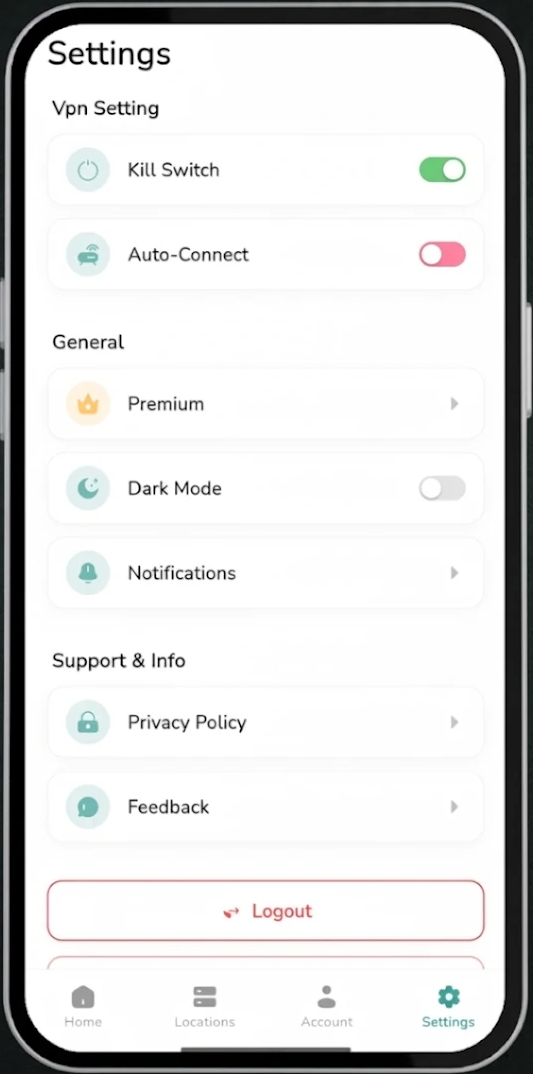
Quixure VPN is built as one app with one feature set, not a stripped-down mobile version and a fuller desktop one: every download is the same app, built on the same AES-256-GCM encryption, WireGuard support, DNS leak protection, and automatic kill switch, regardless of platform — the protection is identical on every device tied to your account, whether that's Android or iPhone, Windows, or Mac. In the app itself, the kill switch sits as a toggle under Settings, alongside Auto-Connect:
Does Every VPN Have a Kill Switch?
No — and this is worth checking before choosing a provider, not after. Many free VPNs skip a kill switch entirely, since it adds engineering complexity for a feature that's invisible until the one moment it matters. It's also a feature that's conceptually specific to VPNs: a proxy doesn't maintain an encrypted tunnel in the same way, so there's no equivalent "tunnel dropped" state for it to protect against — one more reason a proxy isn't a substitute for a VPN on anything where privacy actually matters. A kill switch also isn't the only gap-closing feature worth checking for — see our DNS leak protection guide for the other one, which protects you while the tunnel is up rather than when it drops.
How to Enable Kill Switch in Quixure VPN
On Quixure VPN, the kill switch is automatic by design — it's part of what "connected" means, not an optional add-on you need to seek out. You can still confirm it's active any time:
- Open the Quixure VPN app and sign in.
- Go to Settings.
- Check that Kill Switch is toggled on (it's on by default).
If you're setting up the app for the first time, our guide to how a VPN works and our Android and iPhone setup guide cover the rest of the install flow.
Protect Your Connection with Quixure VPN
An automatic kill switch, AES-256-GCM encryption, and DNS leak protection — active on every connection, on every platform, with nothing to configure.
A kill switch is one of those features that does nothing, every single day, until the one time your VPN drops — and that's exactly when it matters most. If you're comparing VPNs, it's worth confirming this isn't just a bullet point in a features list but something the provider can actually describe clearly, the way it's covered here. You can download Quixure VPN in under a minute, or compare plans first.